
AI Face Swap for Photos, No Sign-Up to Try
QuickFaceSwap is an AI face swap tool that runs in your browser: upload a photo, add the face you want, and get the result in about 30 seconds. The first 2 swaps are free, no account needed.
- 2 free swaps, no sign-up
- No watermark
- Deleted in 24h
1. Upload a photo
No photo? Try a sample:
2. Upload your face
- Good face photo
- Face the camera
- Good, even light
- No sunglasses or masks
- Only one face
Or use a sample face:
How to face swap a photo online
Face swap from photo to photo with two uploads and one click.
- 1
Upload the photo
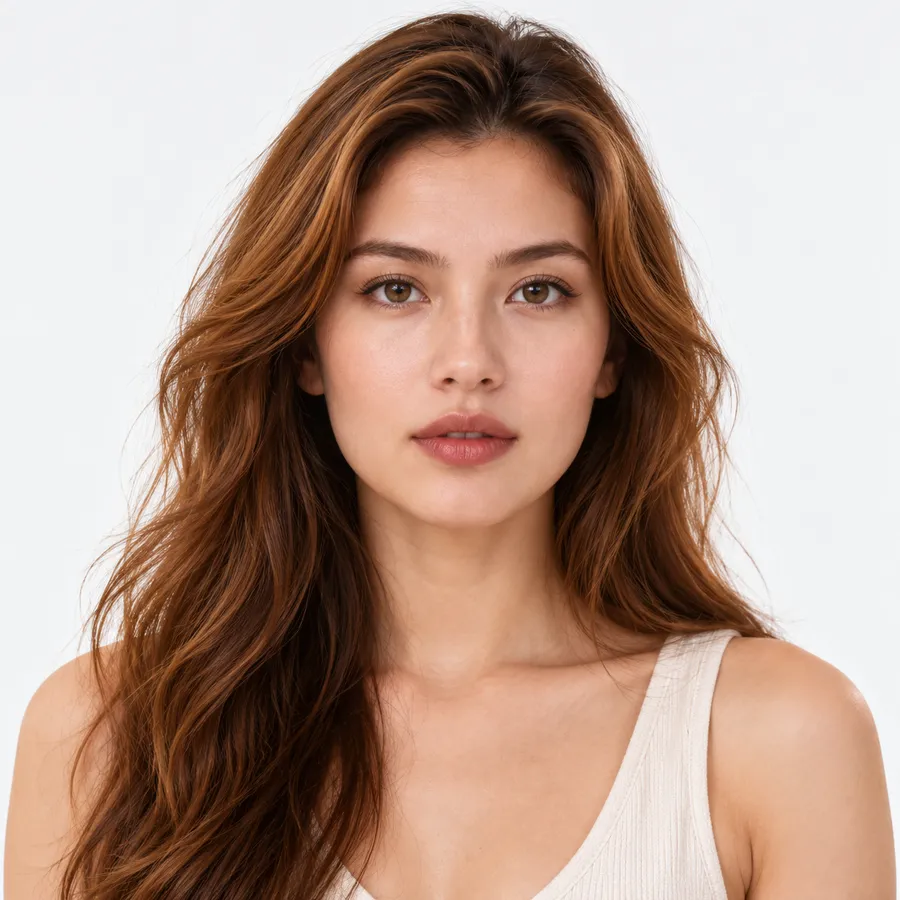
Pick the picture you want to swap a face into, or tap one of the samples.
- 2
Add the new face
Upload a sharp photo of the face you want to put in. Looking at the camera works best.

- 3
Swap and download
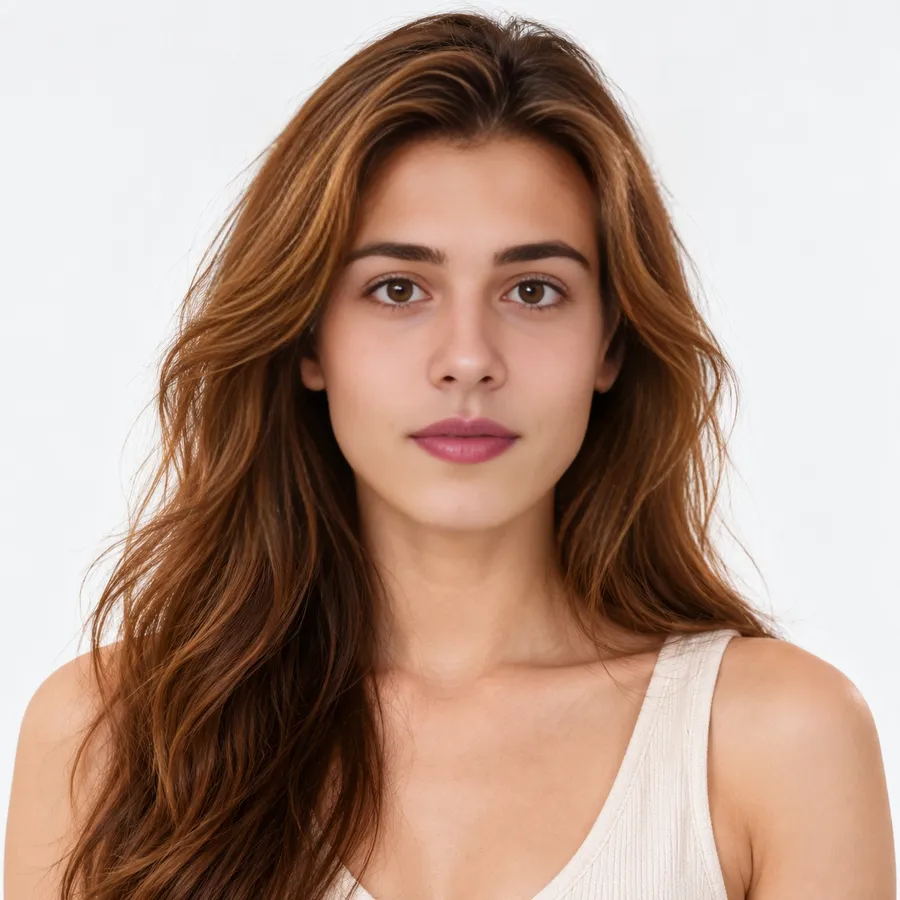
Click Swap Face, wait about 30 seconds, drag the slider to compare, then download.
Why use our AI face swap
2 free swaps, no sign-up
No email, no account. Sign up later and you get 3 more credits.
No watermark, ever
Free results download at full size, same as paid ones.
About 30 seconds
A standard photo swap takes about half a minute. HD adds roughly 20 seconds.
Failed swaps are refunded
If the AI can't finish, your free swap or credit comes straight back.
Before and after slider
Drag across the result to check every detail before you download.
Gone after 24 hours
Uploads and results are deleted automatically. We don't train AI on them.
Face swap examples
A sample photo and the face we swapped in. Drag the slider.
Free face swap vs. credits
Every visitor can do 2 standard photo swaps for free, with no account. That's usually enough to find out whether your photo works before you spend anything.
Signing up with an email adds 3 credits. After that you buy a credit pack once; there is no subscription and credits don't expire.
| What you want | Free without account | With 3 sign-up credits | Cost after that |
|---|---|---|---|
| Standard photo | 2 swaps | 3 swaps | 1 credit |
| HD photo | — | 1 swap | 2 credits |
| Group photo | — | Up to 3 faces | 1 credit per face |
| GIF or video | — | One 3-second clip | 1 credit per second |
Credit packs start at $5.99 for 250 credits, which is about 2.4 cents per photo swap.
Why a face swap fails, and how to fix it
Most failed swaps come down to the face being too small, turned away, or covered. You get your free swap or credit back automatically, so it costs nothing to try again.
| What you see | Likely cause | Fix |
|---|---|---|
| "No face detected" | Face is tiny, blurry or in profile | Crop closer, or pick a photo where the person faces the camera |
| New face looks pasted on | Very different angle or lighting between the two photos | Choose a face photo shot from the same direction |
| Eyes look wrong | Sunglasses, hair or a hand over the eyes | Use a face photo with both eyes clearly visible |
| File rejected | Over 10MB, or not JPG / PNG / WEBP | Export a smaller JPG; we resize to 2,048 px anyway |
What happens to your photo
Your photo is checked, swapped, stored for 24 hours, then deleted. Here is the full path.
An artificial intelligence face swap model maps the new face onto the original's angle, light and skin tone, which is why it doesn't look pasted on.
Before upload, your browser resizes the image to at most 2,048 pixels on the long side. On our server an automated check screens every upload for nudity and minors and blocks anything unsafe. The swap itself runs on our AI provider, which receives the files only to run the swap, and the result is copied straight back to our storage. Both files are removed automatically 24 hours later. We don't use your files to train models.
Face swap a picture on your phone, no app needed
Most people searching for a face swap app just want to change one picture, once.
This online face swap tool does that in Safari or Chrome, so there is nothing to install, update or subscribe to.
On a phone it feels like a face swap mobile app, without taking up storage.
To face swap a pic from your camera roll, tap the upload box and choose it; a selfie for the new face works fine.
Many free face swap apps add a watermark or push a weekly plan. Here the first two swaps cost nothing and the download is clean.
You can also face swap pictures with several people in them: switch to Multiple Faces and pick who changes.
What people use photo face swap for
Mostly for fun. People drop a friend into a movie-style portrait, try a costume look before buying it, or make a birthday card nobody saw coming.
It's also handy for group shots where one person blinked: swap in their face from the next frame. Just use faces of people who said yes, and don't present the result as a real photo.
AI face swap FAQ
Upload the photo you want to change, add a clear photo of the new face, then click Swap Face. The result is ready in about 30 seconds, and a slider lets you compare before and after.
More tools
Ready to try a new face?
Free to try. No sign-up for your first 2 swaps.